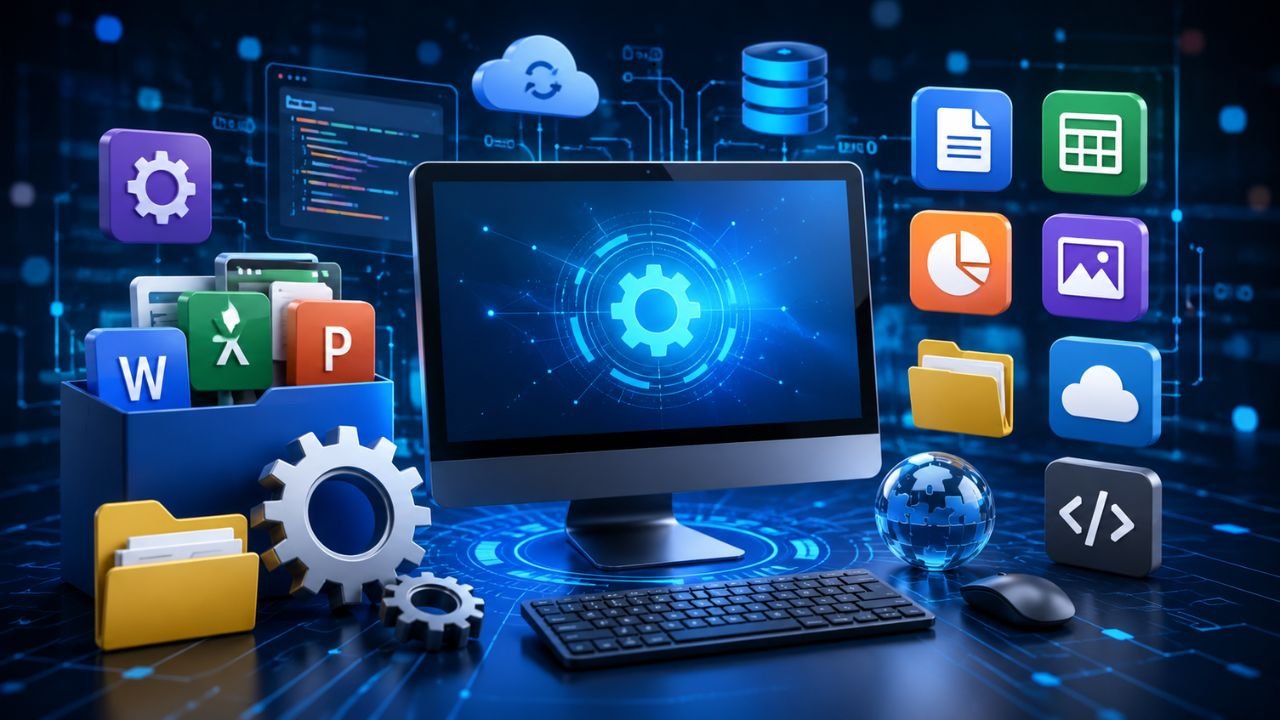
Dear friends, Computer software is one of the most important topic in Computer Awareness. Questions related to system software, application software, software types, open source software, closed source software, freeware, shareware, word processing software, spreadsheet software, presentation software, graphics software, and the Open Source Initiative are frequently asked in SSC, JKSSB, Banking, Railway, Defence, Police, State PSC, and other competitive examinations.
In this article, Exam Waves Coaching Academy explains all important software concepts in very simple language, along with important facts and exam-oriented points.
What is computer software?
Computer software is a collection of programs and instructions that tells the computer what to do and how to do it.
Software helps the computer perform different tasks such as typing documents, calculating numbers, creating presentations, designing graphics, browsing the internet, and managing hardware devices.
Simple definition
Software = A set of programs that controls the working of a computer.
Examples of software include:
- Windows
- Linux
- MS Word
- MS Excel
- MS PowerPoint
Difference between hardware and software
A computer system consists of hardware and software.
- Hardware is the physical part of the computer.
- Software is the set of programs that runs on the hardware.
| Hardware | Software |
|---|---|
| Physical components | Programs and instructions |
| Can be touched | Cannot be touched |
| Examples: Keyboard, Mouse, Monitor | Examples: Windows, MS Word, Excel |
Both hardware and software are necessary for the proper functioning of a computer.
Types of computer software
Software is mainly divided into two types:
- System Software
- Application Software
This is one of the most important questions asked in competitive examinations.
Download Our Computer Master Guide
System software
System software is the software that controls and manages the computer hardware. It acts as a bridge between the user and the computer hardware.
The computer cannot work properly without system software.
Functions of system software
- Controls hardware devices
- Manages memory
- Manages files
- Controls input and output devices
- Runs application programs
Examples
- Windows
- Linux
- UNIX
The operating system is the most important example of system software.
Application software
Application software is designed to perform specific tasks for users.
It helps users complete different types of work.
Common tasks
- Typing documents
- Preparing spreadsheets
- Creating presentations
- Drawing graphics
- Managing data
Examples
- MS Word
- MS Excel
- MS PowerPoint
- Graphics software
Word processing software
Word processing software is used to create, edit, save, and print text documents.
Main functions
- Typing letters
- Creating reports
- Editing documents
- Formatting text
- Printing documents
Example
- Microsoft Word
Word processing software is one of the most commonly used application software programs.
Spreadsheet software
Spreadsheet software is used to perform calculations and organize data in rows and columns.
Main functions
- Calculations
- Data analysis
- Creating tables
- Preparing charts
- Managing records
Example
- Microsoft Excel
Spreadsheet software is widely used in banking, accounting, business, and office work.
Presentation software
Presentation software is used to create slide-based presentations.
Main functions
- Creating slides
- Adding text and images
- Inserting charts
- Animation effects
- Presenting information
Example
- Microsoft PowerPoint
Presentation software is commonly used in schools, colleges, offices, seminars, and training programs.
Graphics software
Graphics software is used to create and edit images, drawings, and designs.
Main functions
- Drawing
- Image editing
- Graphic design
- Illustration
- Photo editing
Graphics software is widely used by artists, designers, engineers, and architects.
Open source software
Open source software is software whose source code is publicly available.
Users can:
- View the source code
- Modify it
- Improve it
- Redistribute it
Advantages
- Free to use
- Flexible
- Customizable
- Community support
Examples include Linux and many open-source applications.
Closed source software
Closed source software is software whose source code is not available to the public.
Only the company or developer can modify the software.
Characteristics
- Source code is protected
- Limited customization
- Usually requires a license
- Commercial software
Many proprietary software programs are closed source.
Difference between open source and closed source software
| Open Source | Closed Source |
|---|---|
| Source code is available | Source code is not available |
| Can be modified | Cannot be modified by users |
| Often free | Usually licensed |
| Community development | Company-controlled development |
This difference is frequently asked in competitive examinations.
Freeware
Freeware is software that is available free of cost.
Users can use the software without paying money.
Characteristics
- Free to use
- Usually copyrighted
- Source code may not be available
Freeware is different from open source software.
Shareware
Shareware is software that is available free for a limited period or with limited features.
After the trial period, users may need to purchase the full version.
Characteristics
- Trial version
- Limited features
- Limited time usage
- Paid upgrade available
Difference between freeware and shareware
| Freeware | Shareware |
|---|---|
| Completely free | Free for trial |
| No payment required | Payment required for full version |
| Usually unlimited use | Limited time or features |
Open Source Initiative (OSI)
The Open Source Initiative (OSI) is an organization that promotes and supports open source software.
Its purpose is to encourage software that allows users to freely use, modify, and distribute source code.
This topic is important for competitive examinations.
Important facts for competitive exams
- Software is a collection of programs and instructions.
- Software cannot be touched physically.
- Software is divided into System Software and Application Software.
- The operating system is an example of system software.
- MS Word is word processing software.
- MS Excel is spreadsheet software.
- MS PowerPoint is presentation software.
- Graphics software is used for drawing and image editing.
- Open source software provides access to source code.
- Closed source software does not provide source code access.
- Freeware is available free of cost.
- Shareware is available free for a trial period or with limited features.
- OSI stands for Open Source Initiative.
Quick revision table
| Software Type | Main Purpose |
|---|---|
| System Software | Controls computer hardware |
| Application Software | Performs user tasks |
| Word Processing | Creates text documents |
| Spreadsheet | Performs calculations |
| Presentation | Creates slide presentations |
| Graphics | Creates and edits images |
| Open Source | Source code available |
| Closed Source | Source code not available |
| Freeware | Free software |
| Shareware | Trial software |
| OSI | Promotes open source software |
Conclusion
Thus, in conclusion, the proper understanding of software types, system software, application software, open source software, closed source software, freeware, shareware, and the Open Source Initiative is essential for scoring well in SSC, JKSSB, Banking, Railway, Defence, Police, UPSC, and other competitive examinations.
Most Important MCQ’S on Computer Software for all Exams 2026
Here is the top 20 most important MCQs on Computer Software which will help you to easily crack questions from the Computer Software portion.
Q1. Which of the following statements correctly describe computer software and its role in a computer system?
- Software is a collection of programs and instructions.
- It tells the computer what to do and how to do it.
- It helps users perform different tasks such as typing, calculations, and presentations.
- Software is a physical component of the computer.
A) 1 and 2 only
B) 1, 2 and 3 only
C) 2, 3 and 4 only
D) 1, 2, 3 and 4
Answer: B
Q2. Which of the following statements correctly explain the difference between hardware and software?
- Hardware consists of physical components.
- Software consists of programs and instructions.
- Hardware can be touched physically.
- Software can be touched physically.
A) 1 and 2 only
B) 1, 2 and 3 only
C) 2, 3 and 4 only
D) 1, 2, 3 and 4
Answer: B
Q3. According to the article, computer software is mainly divided into which of the following categories?
A) Input Software and Output Software
B) System Software and Application Software
C) Utility Software and Security Software
D) Freeware and Shareware
Answer: B
Q4. Which of the following statements correctly describe System Software?
- It controls computer hardware.
- It manages memory and files.
- It acts as a bridge between the user and the hardware.
- It is mainly used for creating documents.
A) 1 and 2 only
B) 1, 2 and 3 only
C) 2, 3 and 4 only
D) 1, 2, 3 and 4
Answer: B
Q5. Which of the following are examples of System Software mentioned in the article?
- Windows
- Linux
- UNIX
- Microsoft Word
A) 1 and 2 only
B) 1, 2 and 3 only
C) 2, 3 and 4 only
D) 1, 2, 3 and 4
Answer: B
Q6. Which of the following statements correctly explain the functions of System Software?
- Controls hardware devices.
- Manages memory.
- Manages files.
- Runs application programs.
A) 1 and 2 only
B) 1, 2 and 3 only
C) 2, 3 and 4 only
D) 1, 2, 3 and 4
Answer: D
Q7. Which of the following statements correctly describe Application Software?
- It is designed to perform specific tasks for users.
- It helps users create documents and presentations.
- It helps users perform calculations.
- It directly controls all computer hardware.
A) 1 and 2 only
B) 1, 2 and 3 only
C) 2, 3 and 4 only
D) 1, 2, 3 and 4
Answer: B
Q8. Which of the following software is used to create, edit, save, and print text documents?
A) Spreadsheet Software
B) Graphics Software
C) Word Processing Software
D) System Software
Answer: C
Q9. Which of the following statements correctly describe Word Processing Software?
- It is used for typing letters and reports.
- It allows text formatting and editing.
- It can be used for printing documents.
- Microsoft Word is an example of Word Processing Software.
A) 1 and 2 only
B) 1, 2 and 3 only
C) 2, 3 and 4 only
D) 1, 2, 3 and 4
Answer: D
Q10. Which software is mainly used for calculations, data analysis, tables, and charts?
A) Microsoft Word
B) Microsoft PowerPoint
C) Microsoft Excel
D) Linux
Answer: C
Q11. Which of the following statements correctly describe Spreadsheet Software?
- It organizes data in rows and columns.
- It performs calculations.
- It is widely used in banking and accounting.
- Microsoft Excel is an example of Spreadsheet Software.
A) 1 and 2 only
B) 1, 2 and 3 only
C) 2, 3 and 4 only
D) 1, 2, 3 and 4
Answer: D
Q12. Which of the following statements correctly describe Presentation Software?
- It is used to create slide-based presentations.
- It allows the use of text, images, charts, and animations.
- Microsoft PowerPoint is an example of Presentation Software.
- It is mainly used for operating system management.
A) 1 and 2 only
B) 1, 2 and 3 only
C) 2, 3 and 4 only
D) 1, 2, 3 and 4
Answer: B
Q13. Which of the following statements correctly describe Graphics Software?
- It is used for drawing and image editing.
- It is useful for graphic design and illustration.
- It is used by artists and designers.
- It is mainly used for cheque processing.
A) 1 and 2 only
B) 1, 2 and 3 only
C) 2, 3 and 4 only
D) 1, 2, 3 and 4
Answer: B
Q14. Which of the following statements correctly describe Open Source Software?
- Its source code is publicly available.
- Users can modify and improve the software.
- It is often free to use.
- It allows redistribution of the software.
A) 1 and 2 only
B) 1, 2 and 3 only
C) 2, 3 and 4 only
D) 1, 2, 3 and 4
Answer: D
Q15. Which of the following statements correctly describe Closed Source Software?
- Its source code is not publicly available.
- Users cannot freely modify the source code.
- It usually requires a license.
- Development is generally controlled by the company.
A) 1 and 2 only
B) 1, 2 and 3 only
C) 2, 3 and 4 only
D) 1, 2, 3 and 4
Answer: D
Q16. Which of the following statements correctly differentiate Open Source Software and Closed Source Software?
- Open source software allows source code access.
- Closed source software does not allow public source code access.
- Open source software can generally be modified by users.
- Closed source software is generally company-controlled.
A) 1 and 2 only
B) 1, 2 and 3 only
C) 2, 3 and 4 only
D) 1, 2, 3 and 4
Answer: D
Q17. Which of the following statements correctly describe Freeware?
- It is available free of cost.
- It is usually copyrighted.
- Its source code may not be available.
- It is always open source software.
A) 1 and 2 only
B) 1, 2 and 3 only
C) 2, 3 and 4 only
D) 1, 2, 3 and 4
Answer: B
Q18. Which of the following statements correctly describe Shareware?
- It is available free for a limited period or with limited features.
- Users may need to purchase the full version after the trial period.
- It is mainly distributed as trial software.
- It is always completely free.
A) 1 and 2 only
B) 1, 2 and 3 only
C) 2, 3 and 4 only
D) 1, 2, 3 and 4
Answer: B
Q19. Which of the following statements correctly differentiate Freeware and Shareware?
- Freeware is completely free to use.
- Shareware is usually a trial version.
- Shareware may have limited features or time restrictions.
- Freeware always provides source code access.
A) 1 and 2 only
B) 1, 2 and 3 only
C) 2, 3 and 4 only
D) 1, 2, 3 and 4
Answer: B
Q20. Which of the following statements correctly describe the Open Source Initiative (OSI)?
- OSI stands for Open Source Initiative.
- It promotes open source software.
- It supports software that allows users to use, modify, and distribute source code.
- It develops only commercial closed-source software.
A) 1 and 2 only
B) 1, 2 and 3 only
C) 2, 3 and 4 only
D) 1, 2, 3 and 4
Answer: B